Google Workspace Ads
At some point, I started seeing large Upgrade buttons at the top of many Google Workspace products on my personal account. It took a while to figure out how to disable these, so I’m documenting it here.
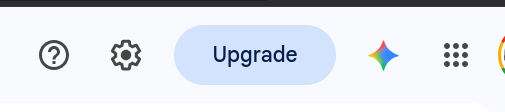
As of September 2026, the process is:
- Give up. ☹
Sadly, the buttons have returned, and the process below no longer seems to have any effect. I've kept it documented here for posterity. If you find a new way to get rid of these buttons, please let me know!
- Click your profile photo in the upper right corner.
- Click the Manager your Google Account button.
- Click People & sharing in the left sidebar.
- Scroll down to the Business features section and click on Business personalization.
- Turn off Business personalization.
I originally found this information in a comment in a Google Support thread. You’re a real hero, User 6298380742738639268!